Get rid of distractions.
cura blocks the apps that steal your attention.
The app
What it does.
Block what distracts you
Individual apps, whole categories, or specific websites. Separate profiles for work and for the evening.
Blocked stays blocked
The block sits in the system, not just inside the cura app. While a session runs, those apps do not open.
Stopwatch or countdown
Let it run with no end time, or set a fixed length. You can see the running session without opening the app.
Weekly schedules
Set the days and times, and your blocking profiles switch themselves on and off again.
Where your time went
Every session is recorded and broken down by day, month and year.
Inside the app
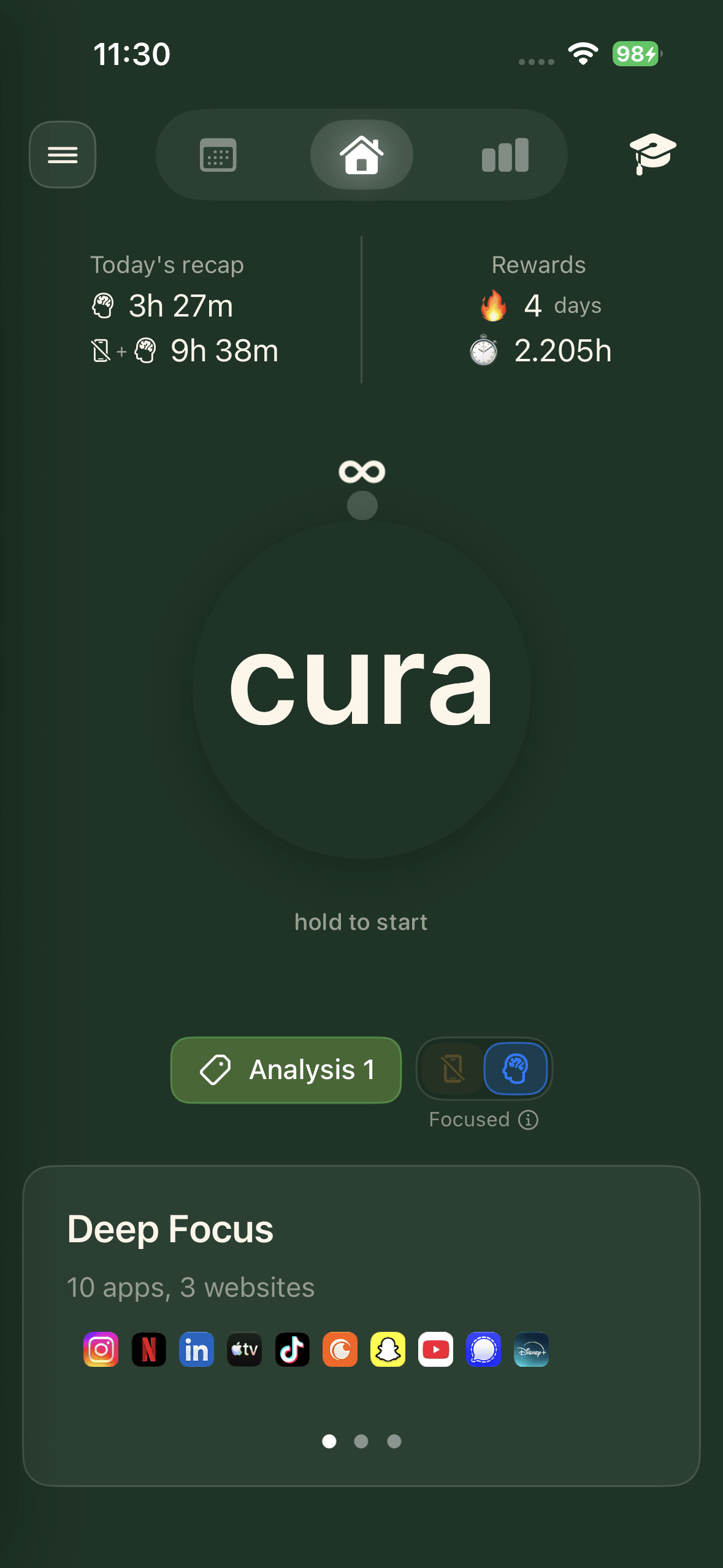
Home screen
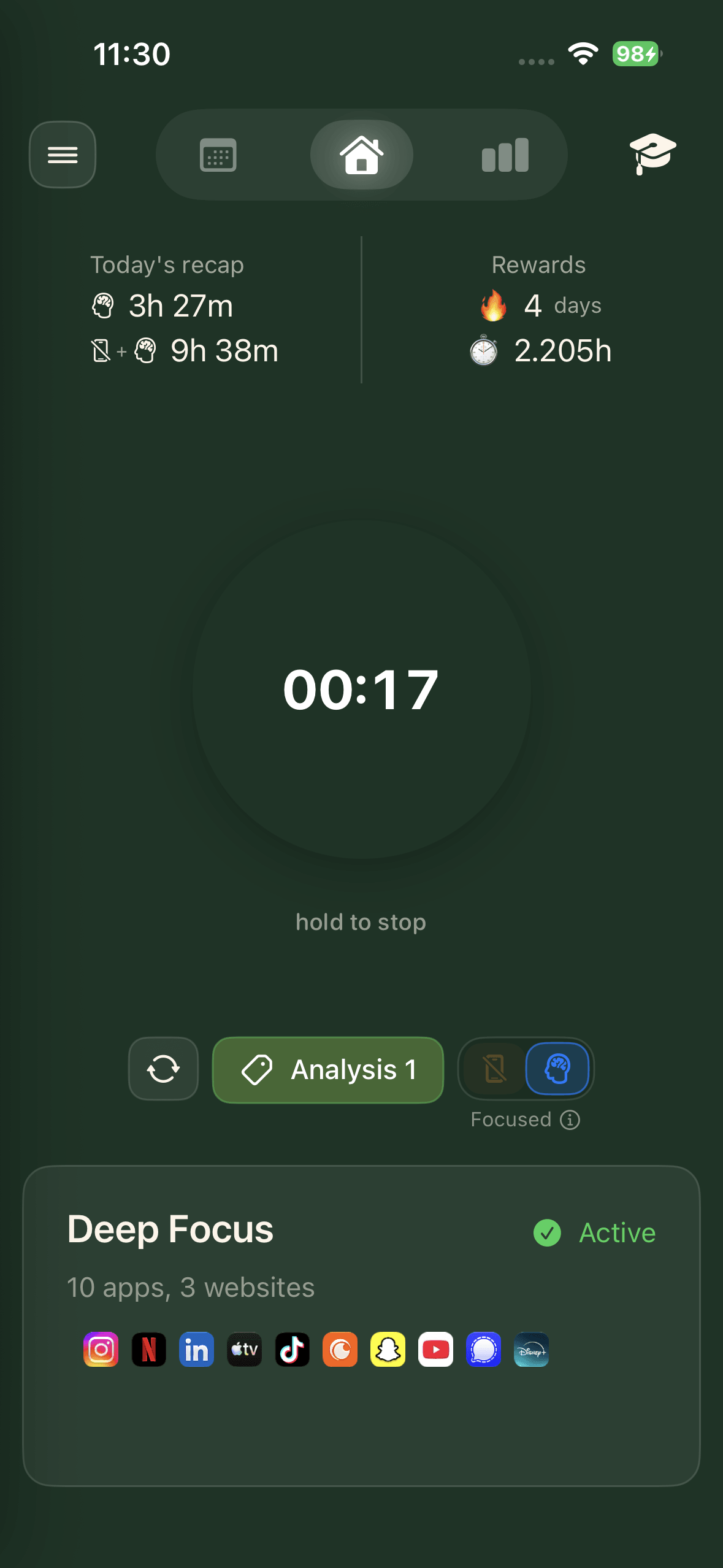
Open-ended sessions
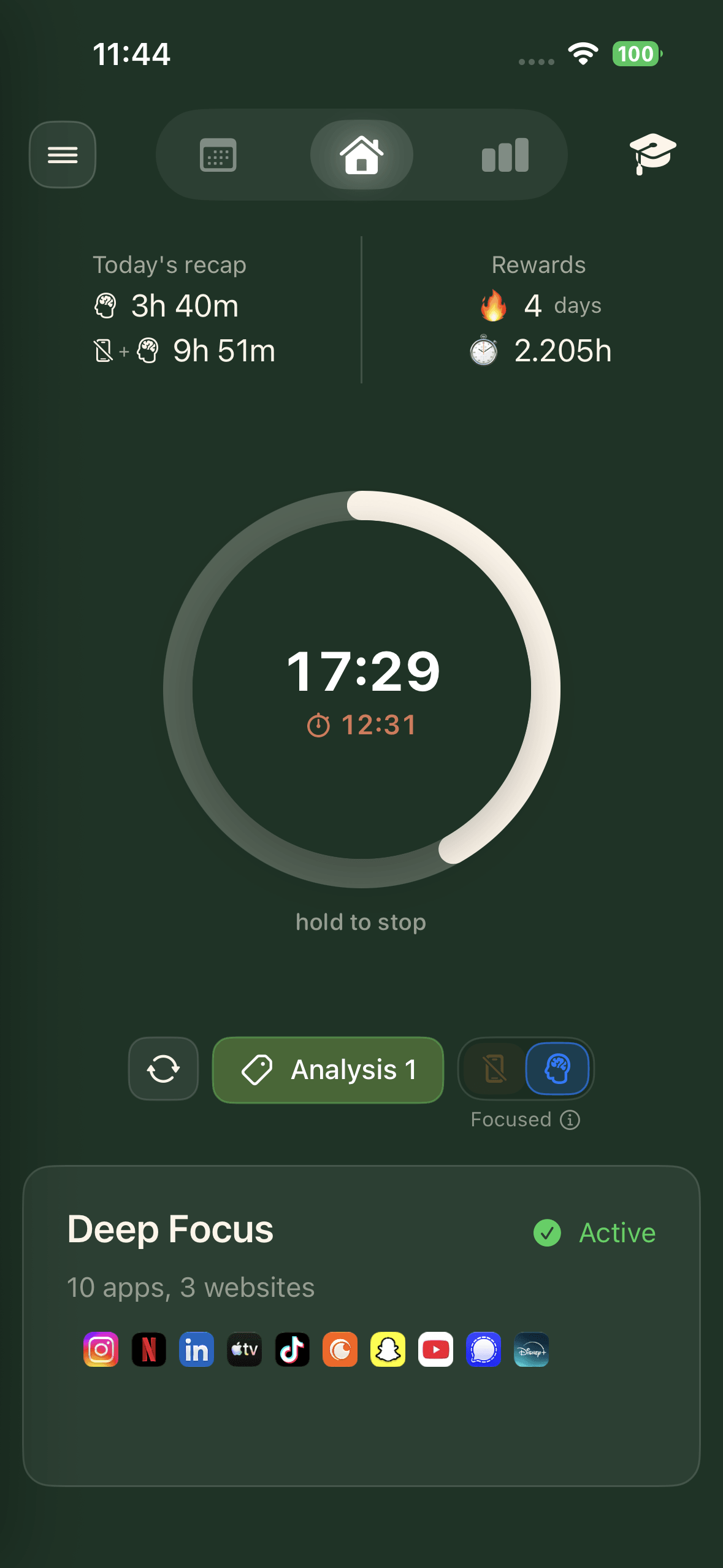
Timed sessions
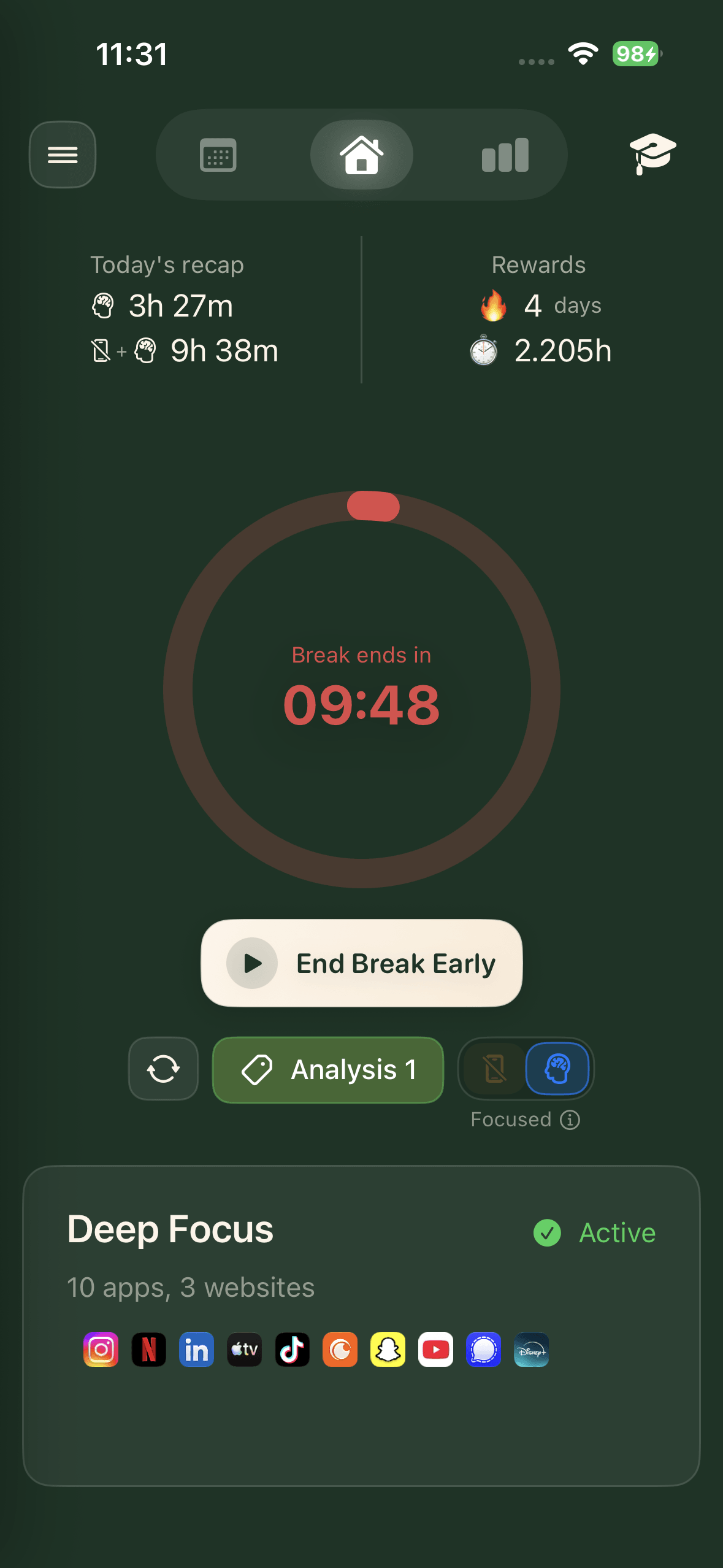
Break
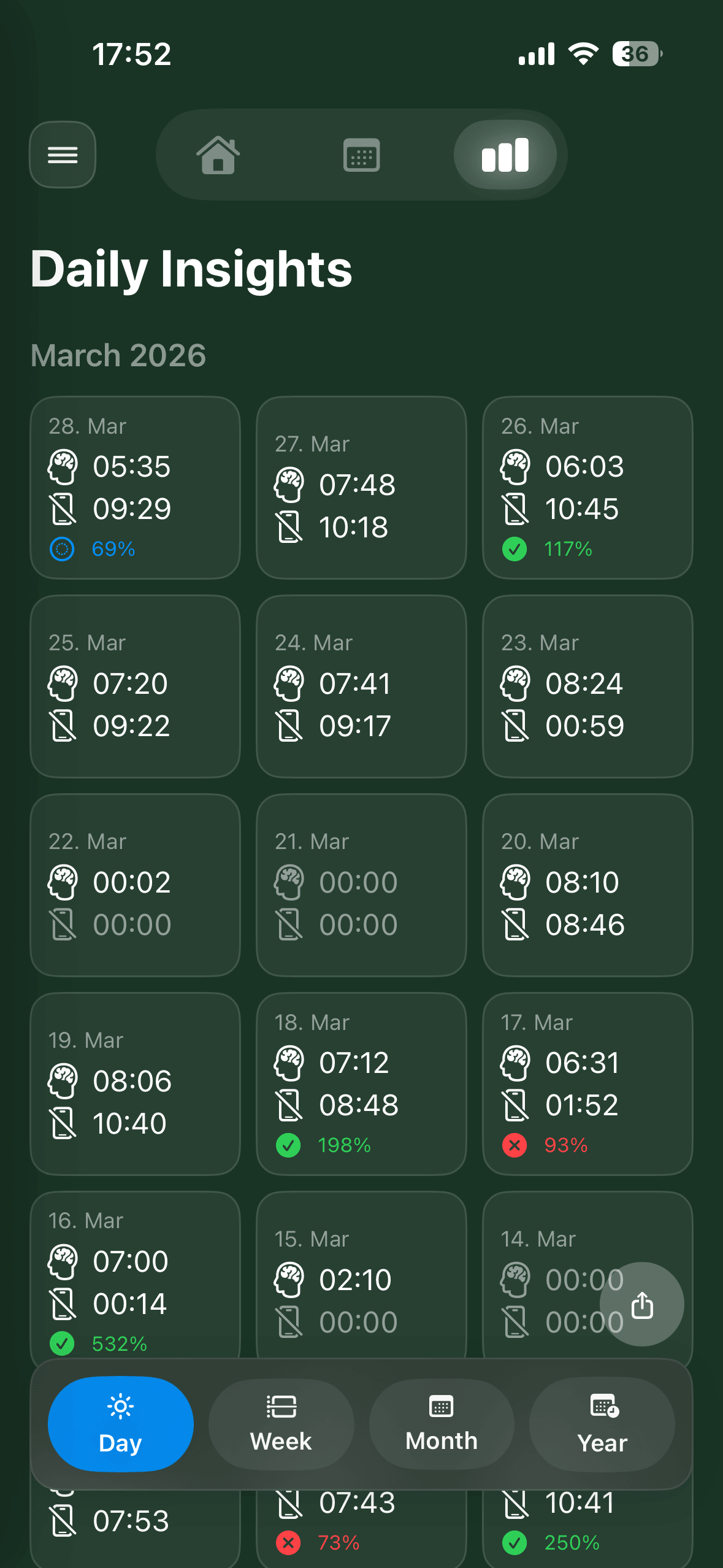
Daily insights
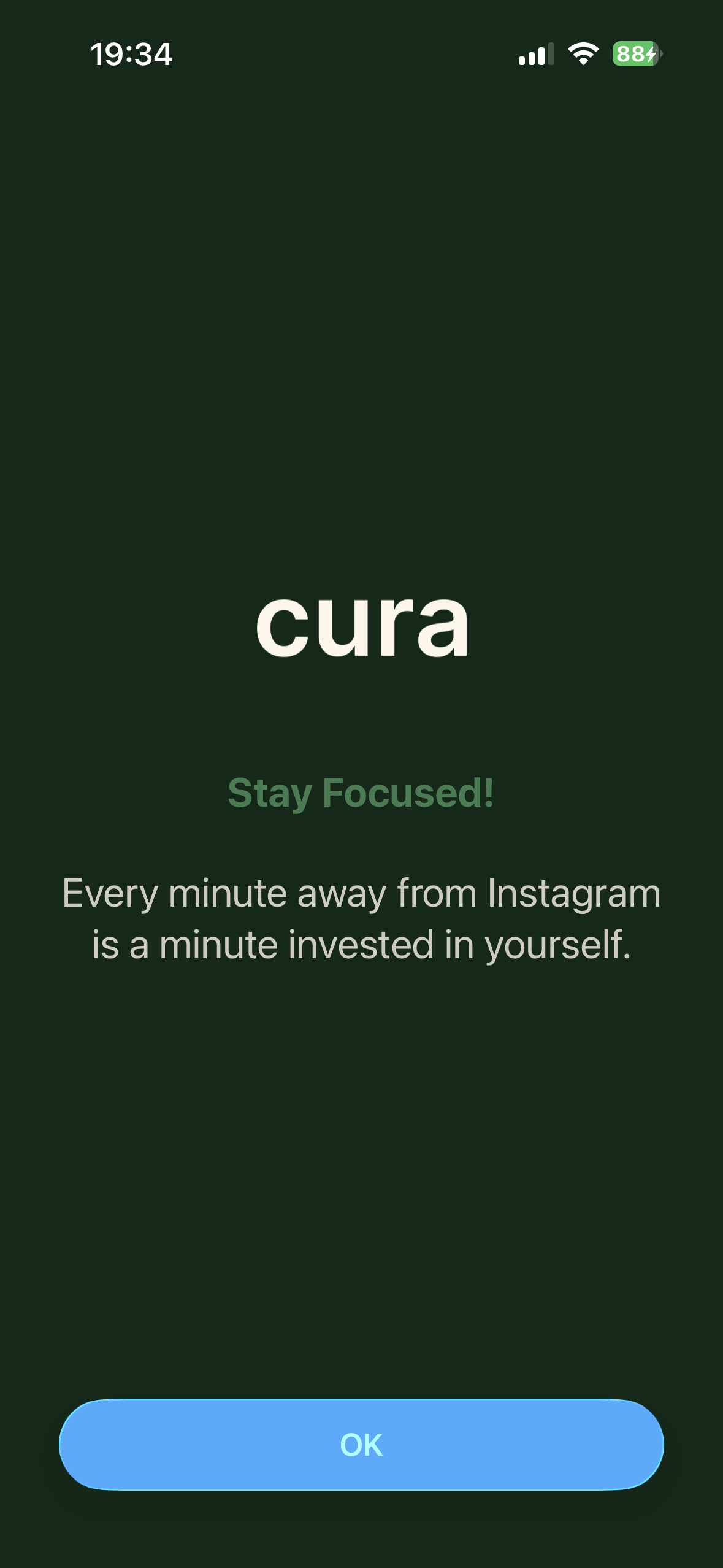
Apps stay blocked
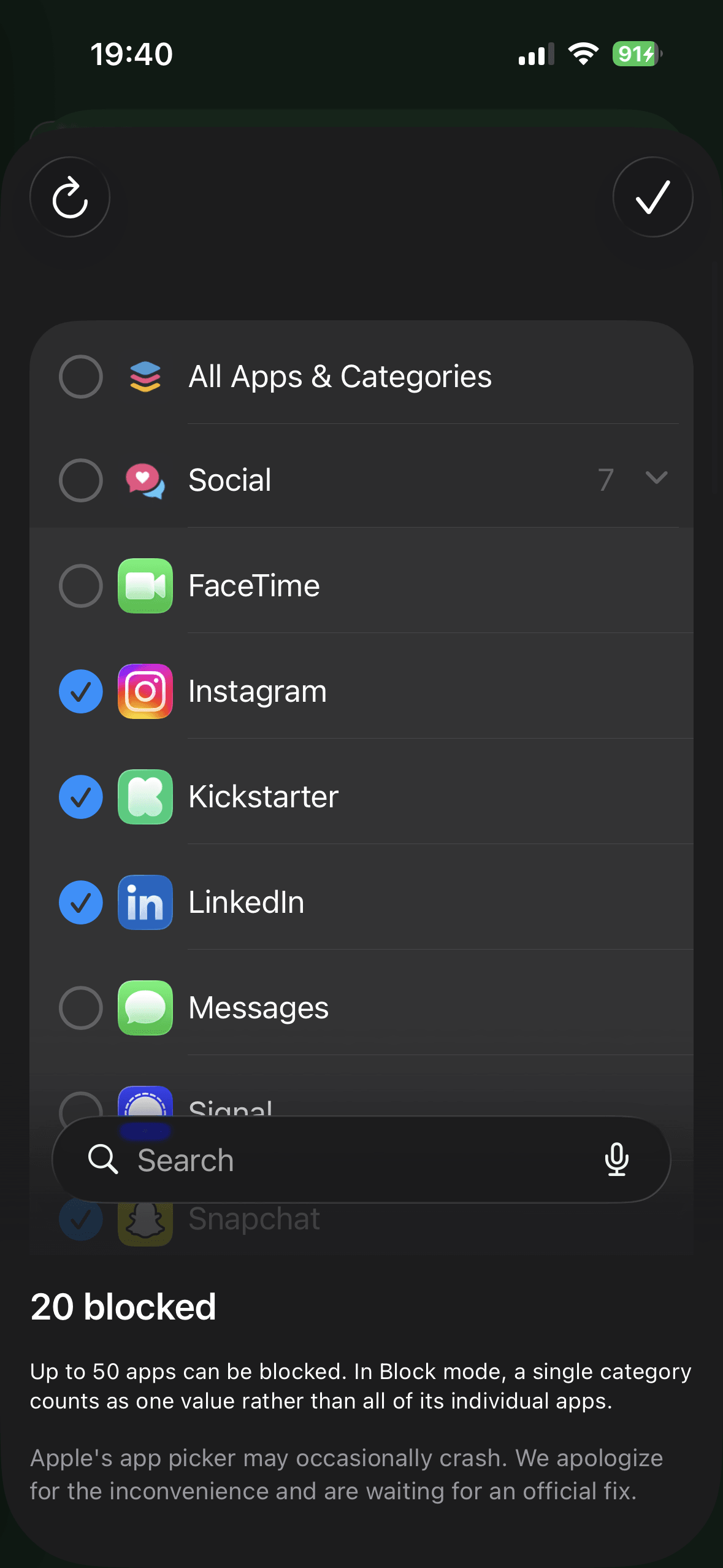
Choose what to block
cura is launching soon.
Leave your email and pick your store.
No spam. One email at launch.